Email for printer registration: ucebna@pod.cvut.cz
Managers: Contacts
Basic information
The computer room is in the basement of block C. From the main entrance, turn left, go downstairs, and use the first door on the left.
The computer room is available to every Pod-O-Lee member with paid basic membership and a card linked in Hydra.
If you cannot enter the room, ask a televizor or contact one of the computer-room administrators.
The room also contains the club printer, a book exchange, and three magnetic whiteboards.
Two projectors are available to borrow. Email the administrator to arrange a loan.
The back room can be reserved for group or individual study. Instructions are provided below.
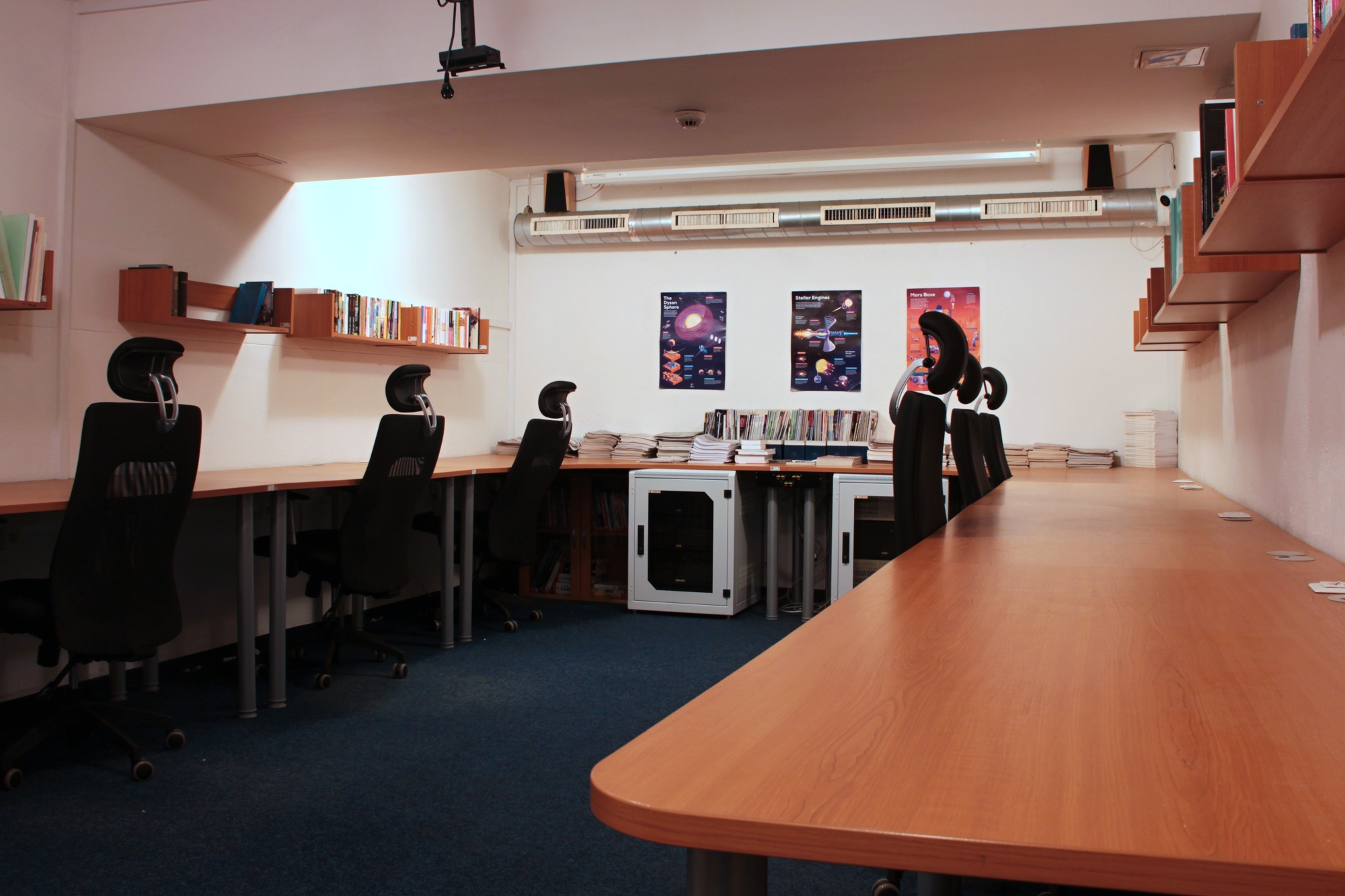
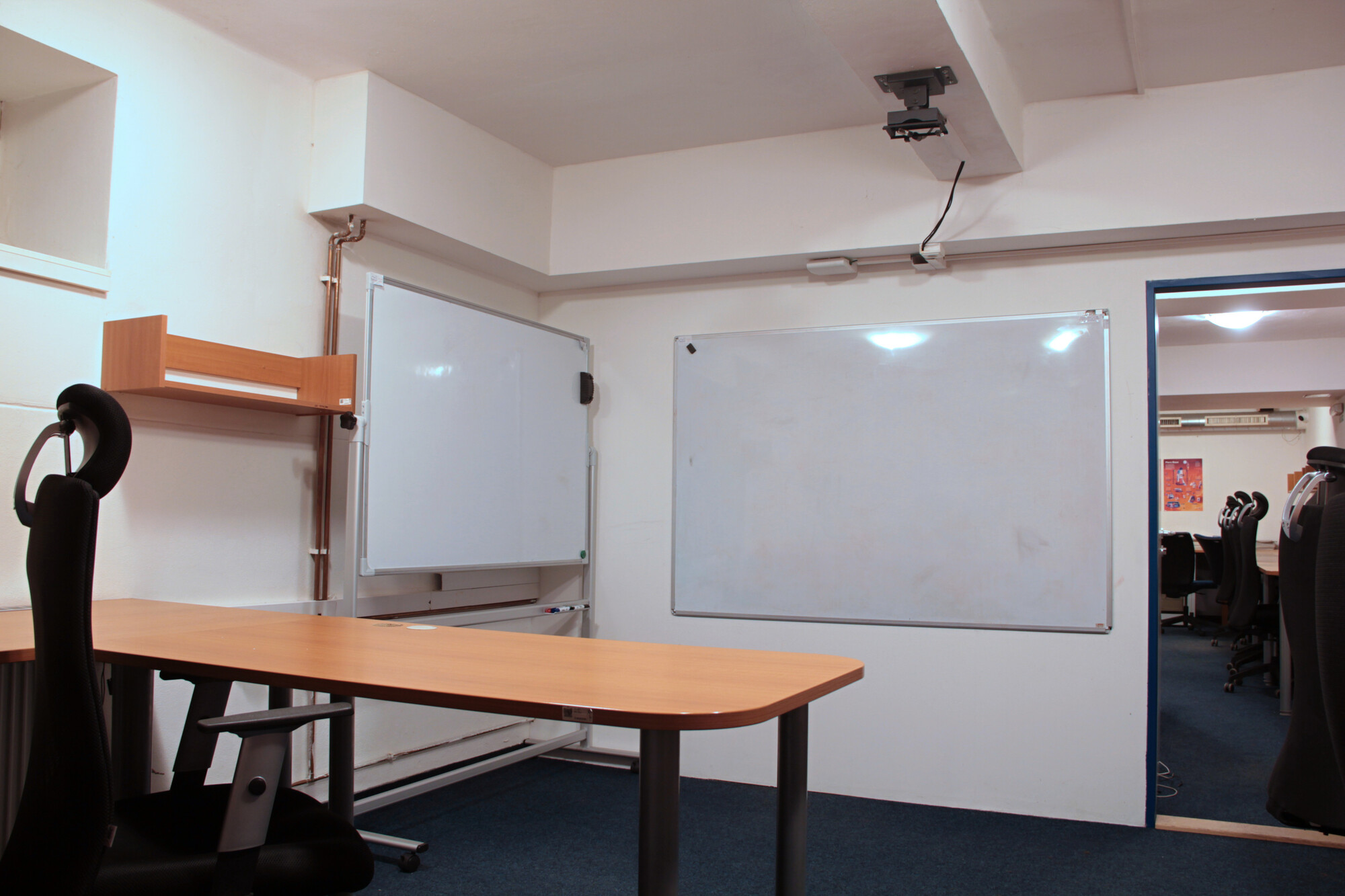
Library
The computer room contains a small book exchange with academic books, novels, fantasy, science fiction, horror, and crime fiction.
You may borrow or keep a book without asking first. You can also leave your own books for other readers.

Printer
To use the printer, you need an account and printing credit. Registration and cash credit top-ups are handled by the administrator or deputy after prior arrangement at ucebna@pod.cvut.cz.
Credit can only be charged by cash payment in CZK.
The administrator will create an account for you in the printer’s web interface.
Printer account management: https://myq.pod.cvut.cz/en.
If you need help, read the printer instructions.
Important reminder
Scanned document will sent to you by email.
The printer uses colour by default. Select black-and-white printing before submitting your job if needed.
Printing photographs is prohibited.
Printing prices in crowns:
| Black and white | Colour | |
|---|---|---|
| A4 | 0.8 CZK | 2.0 CZK |
| A3 | 1.6 CZK | 4.0 CZK |
(Paper is included in the printing price.)
Paper details: weight 80 g/m², whiteness 146 CIE, opacity 92%.

Room reservation
- Create a reservation in the reservation system.
- Email ucebna@pod.cvut.cz and include:
- a request to confirm the reservation;
- your name;
- the reservation date and time;
- its purpose;
- whether you would like to borrow the key to lock the back room.
- An administrator will contact you to approve or decline the reservation.
Make reservations in advance, ideally one week beforehand, so that we have time to respond and prepare everything for handover.
Operation rules
Available here: Operation rules!