Email for printer registration: ucebna@pod.cvut.cz
Managers: Contacts
Basic information
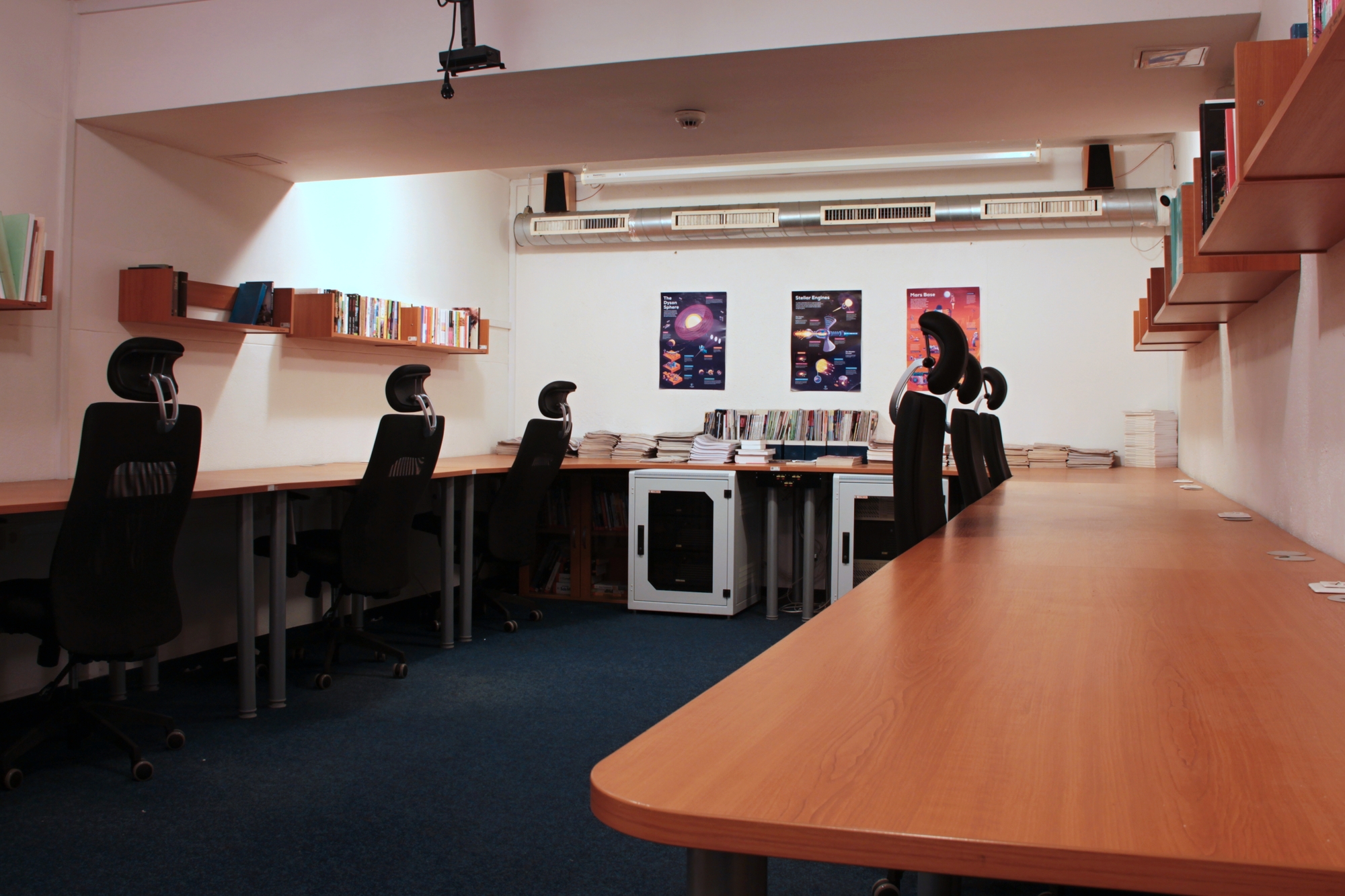
The computer room is located in the basement of Block C. Enter through the main door to the left, down the stairs and the first door on the left.
Access to the computer room is available to any Pod-O-Lee Club member who has paid their basic membership and has added their card with our Hydra system.
If you are unable to get into the PC classroom, go to the televisor or directly to the PC classroom administrators who will advise you and help you solve the problem.
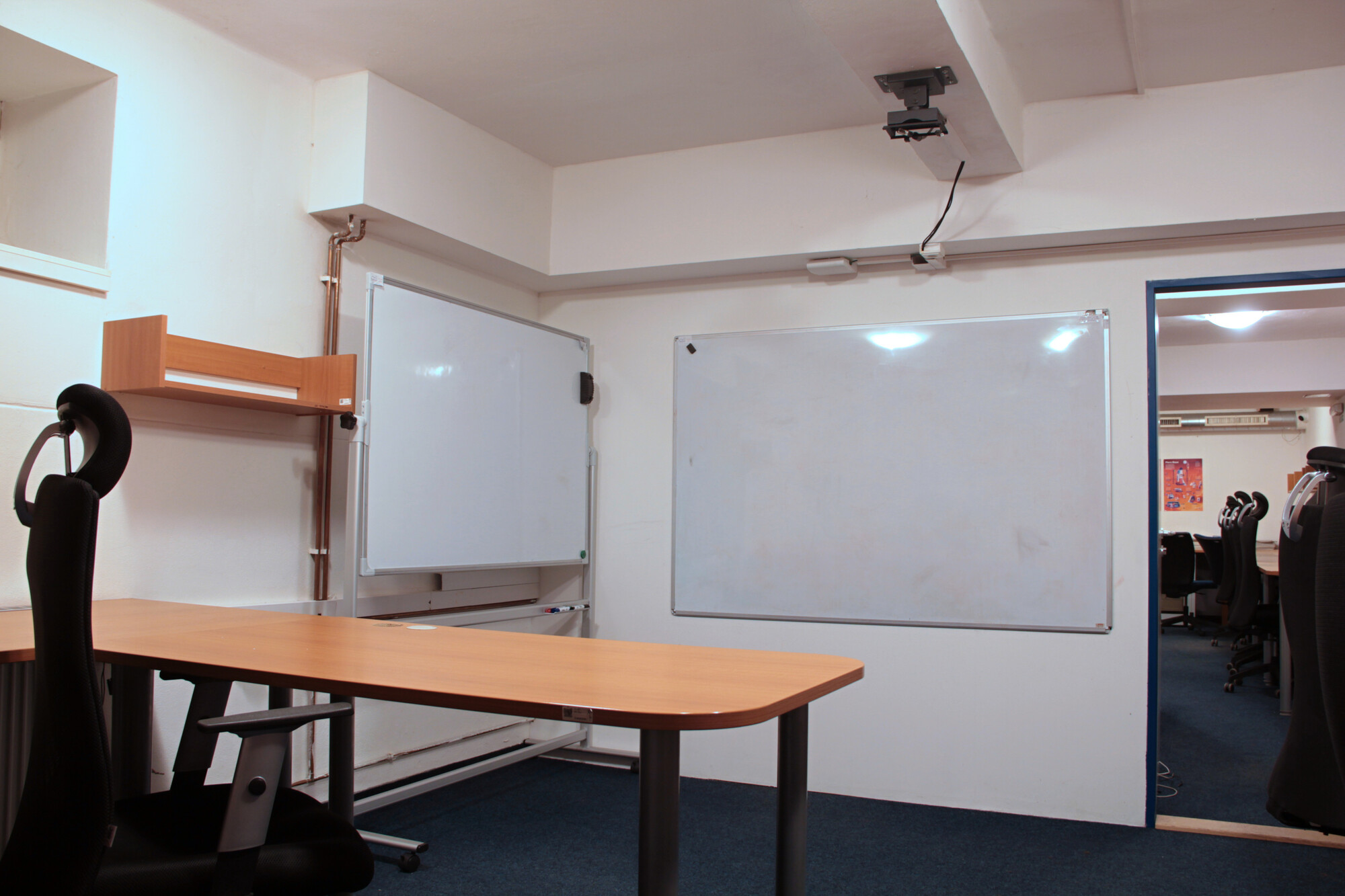
The computer lab contains, among other things, a club printer, a bookcase and a 3x white magnetic whiteboard.
There are 2 data projectors available for borrowing in the room. Just email the administrator.
The back room of the PC classroom can also be reserved for group or private study. How to book the room is described in the instructions below.
Library
There is a small club library in the PC classroom. Here you will find bookshelves of both scholarly books and novels and works of other genres such as fantasy, science fiction, horror and crime fiction.
You can borrow or take the books on your own, without permission. But you can also leave some of your own books here for someone else to pick up.

Printer
In order to use the printer, you must open an account and charge your printing credit in cash. Registration and charging of credit is only possible with the administrator and the deputy administrator of the PC classroom, and only by prior arrangement via email ucebna@pod.cvut.cz.
Credit can only be charged by cash payment in CZK.
The administrator will create an account for you in printer web interface. The login details will be provided to you after registration. These details are the same for your virtual wallet.
You can then check your credit balance in your virtual wallet on address https://payments.printer.pod.cvut.cz/payment-system/customer/login.
If you do not know how to use the printer, there are instructions for using the printer here.
Important reminder
Sending a scanned document by email is not working yet. So if you want to scan, you have to scan to a USB drive.
Don’t forget that the printer prints in colour, if you only want black and white printing you need to set it up correctly.
Photography print is prohibited.
Printing prices in crowns:
| Black and white | Colour | |
|---|---|---|
| A4 | 0.9 CZK | 4.0 CZK |
| A3 | 1.8 CZK | 8.0 CZK |
(Paper is included in the printing price).
Paper details: weight 80 g/m2, whiteness 146 CIE, opacity 92%.

Room Reservation
- Create a reservation in the Olymp reservation system.
- Enter <olymp.pod.cvut.cz> into your browser.
- Login details are the same as for Hydra.
- In the Rooms tab, check if the back room of the PC classroom is available on the given date.
- If so, make a reservation in the Reservations tab.
- Send an email with important details to ucebna@pod.cvut.cz
- That you want to confirm your reservation
- Your name
- When you plan to have the reservation
- Purpose
- If you want to borrow the key to the back room of the PC classroom to lock it
- Your request will be processed based on your email.
- You will then be contacted by one of the PC classroom administrators to approve/disapprove your booking.
Reservations must be made in advance (ideally a week in advance) to allow time for us to respond and to prepare everything for handover.
Operation rules
Available here: Operation rules!